Connect Meta lead forms
Choose the right Page and instant forms so new Facebook and Instagram leads arrive automatically.
Updated August 9, 2026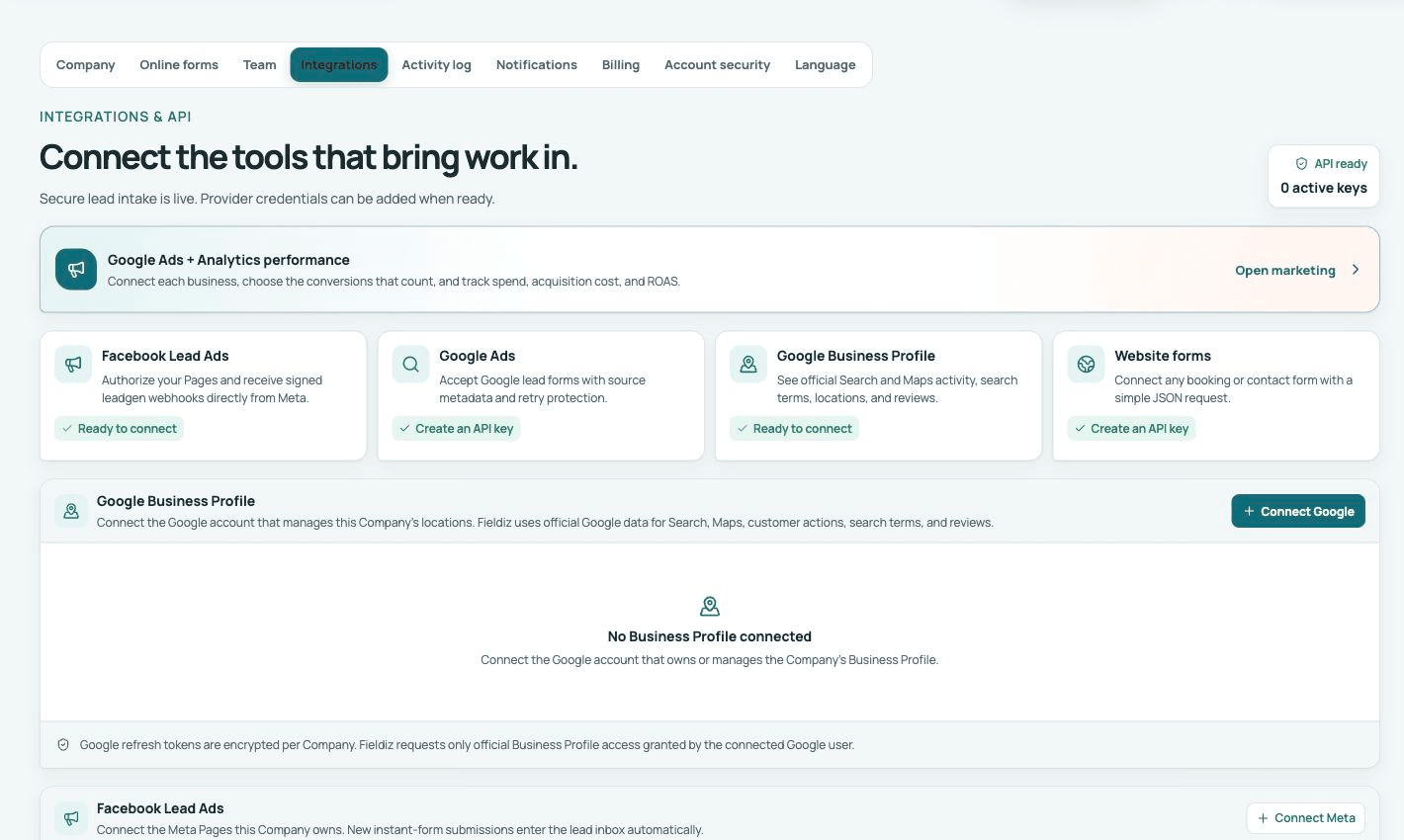
Before you connect
Use a Meta account that has access to the business Page and its instant forms. The person connecting must be allowed to manage leads for that Page.
Connect the Page
- Open Settings → Integrations → Meta Lead Ads.
- Select Connect Meta and complete authorization.
- Choose the business Page and the forms Fieldiz should receive.
- Map form questions to Fieldiz contact, service, location, consent, and custom fields.
- Save the connection.
Test one real submission
Send a test lead from the selected form. Confirm the lead appears with the Page, form, campaign, ad set, ad, customer details, consent, owner, and notification you expect. Reconnect the integration if Meta reports that the authorization expired.
If no Pages appear, confirm the Meta user has Page access and lead permissions before trying again.