Invite a customer to the portal
Give a customer secure passwordless access to visits, service history, estimates, invoices, and balances.
Updated August 9, 2026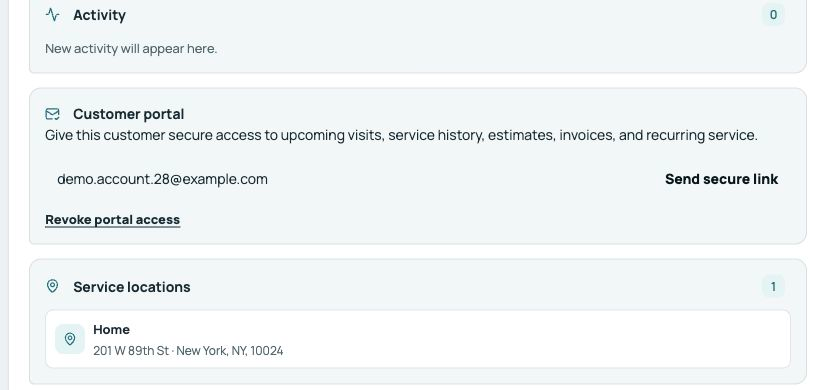
Check the customer record
Confirm the customer has the correct email address and that the Company details and logo are ready. Portal access follows the customer record, not an individual job.
Send access
- Open Customers and choose the customer.
- Find Customer portal and select Send access link.
- Confirm the recipient and send the secure sign-in email.
- Ask the customer to use the newest link because each link expires and can be used only once.
What the customer can see
The portal shows upcoming arrival windows, service history, estimates, invoices, balances, and recurring service connected to that customer. Company users control the underlying records in Fieldiz. Revoke portal access immediately if the email address is no longer trusted.