Connect Google Business Profile
Connect each location to review profile health, performance, reviews, and local customer activity.
Updated August 9, 2026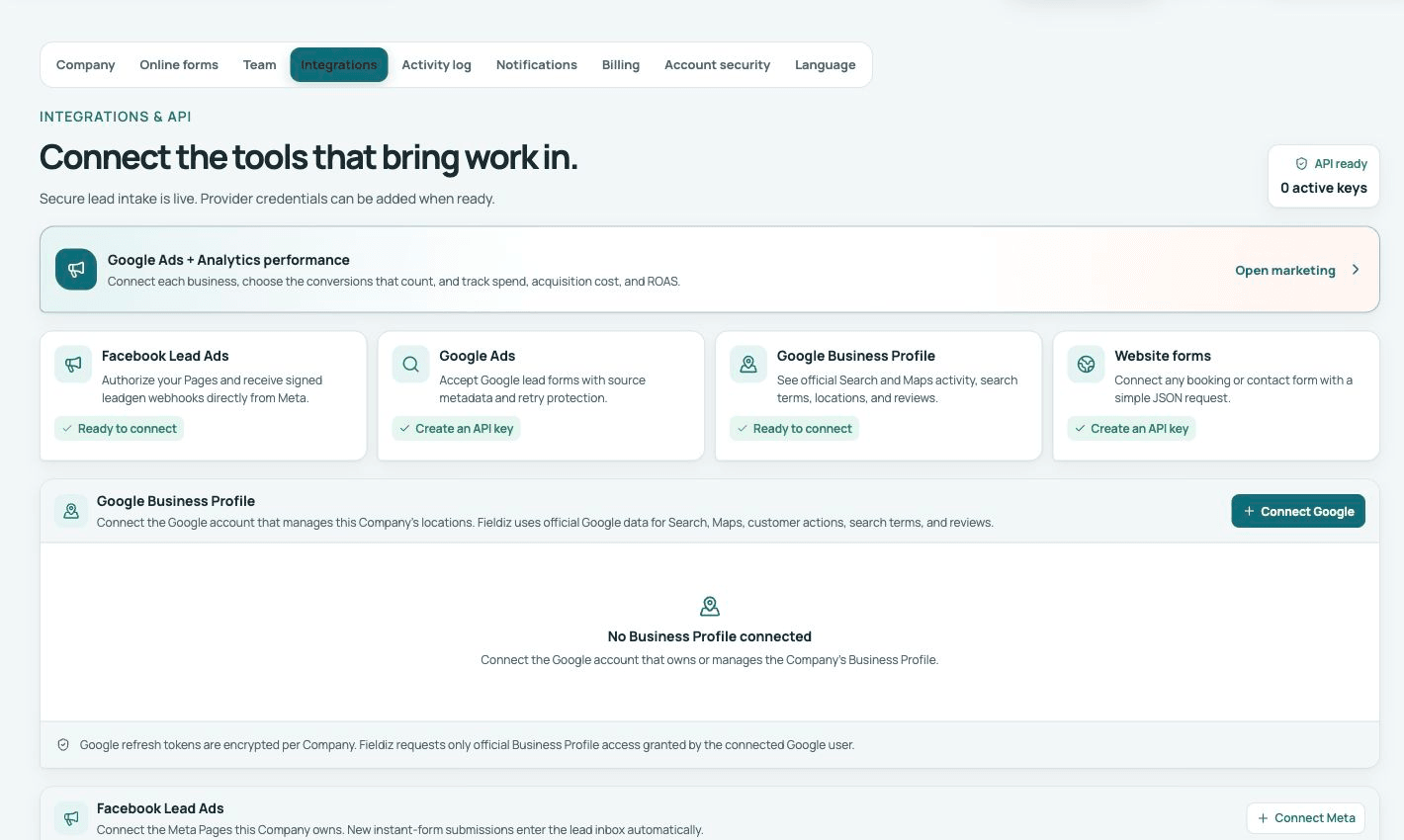
Connect the correct Google account
Open Settings → Integrations → Google Business Profile and sign in with an account that can manage the business. Choose the account, business group, and exact location. Keep separate locations connected separately so their data is not mixed.
Review the profile
Use the Fieldiz integration to see the connected location, profile details, verification or access issues, recent reviews, and available performance metrics. Provider reporting can be delayed and should be read in the location’s own time period.
Keep customer actions connected
Use consistent Company name, phone, website, service area, and booking links. Reply to reviews in the voice of the Company and never include private job details. Reauthorize the connection when Google reports expired or missing access.
Google Business Profile helps with local visibility and customer activity; it is separate from Google Ads spend and GA4 conversion reporting.